Your workout, actually run.
Snap a routine from a book, a screenshot, a voice note. Run it set-by-set with a rest timer that starts itself. Log every rep in a tap. Free forever — no card, no unlock screen.
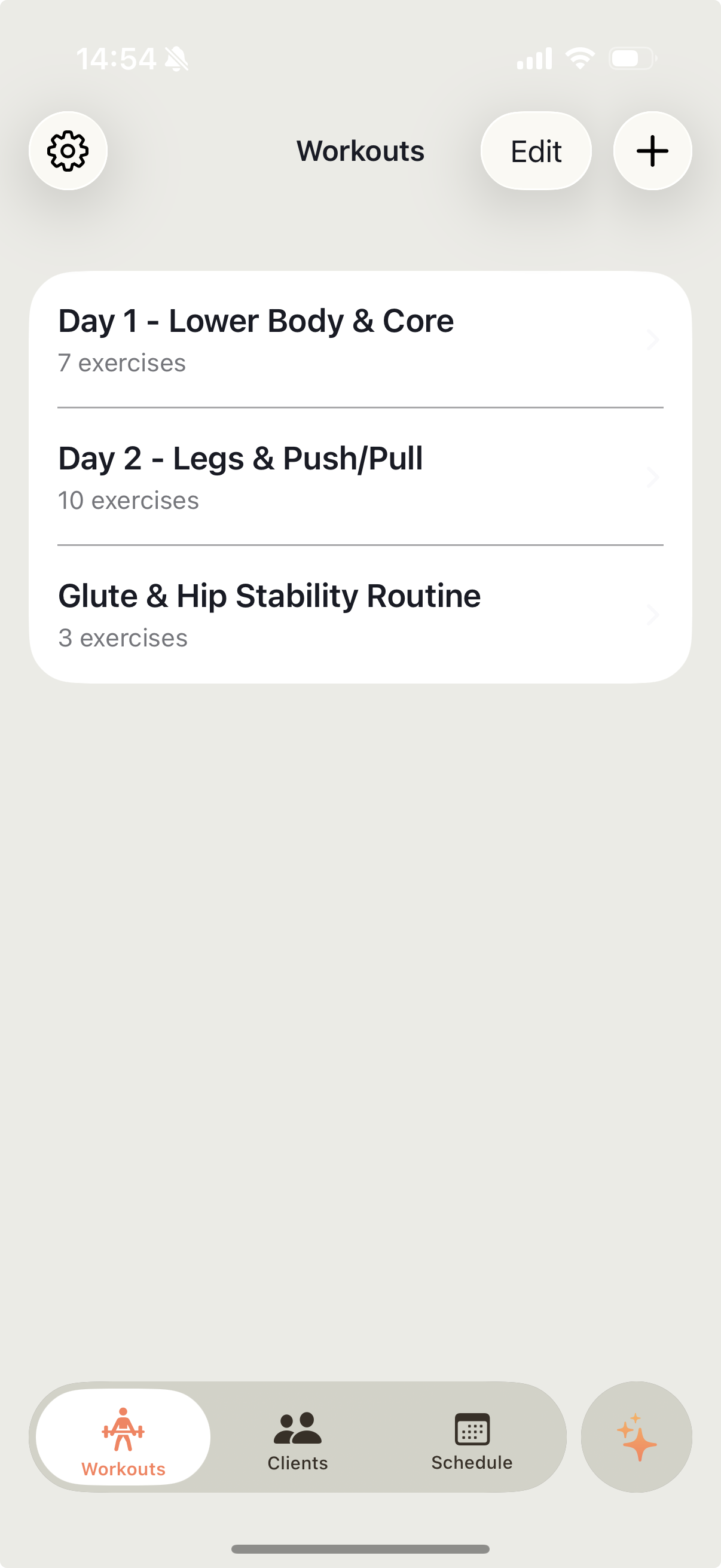
The four things a workout app should do.
No streaks. No coach-in-a-box. No upsell every time you tap. Just the loop that makes training stick.
Any workout → a plan you can run AI-powered import
Ace AI (the built-in AI extractor) turns your image or dictated note into a structured routine — no typing. Photo, PDF, screenshot, voice note, handwritten note — sets, reps, weights, and rest come out structured. Not a photo you'll never open again.
A rest timer that runs itself
Finish a set, the timer starts. No fumbling. No overshooting rest by three minutes because you were on your phone.
Log every set in one tap
Weight, reps, and how it felt — captured while your heart rate's still up. Progress you can actually see later.
All your training in one place
Every session ever done, on iPhone and iPad. Bench week to week. Squat month to month. The whole picture.
Every session logged is a data point. Compare bench week over week. Squat month over month. Nothing to configure — the log becomes the chart.
Talk to Ace AI. Say “swap barbell rows for dumbbell” or “add 90-second rest” — the AI edits your routine, one tap to confirm.
From a book page to a finished set.
Import
Snap a photo, dictate the plan out loud, or pick a PDF — Ace AI extracts a structured routine in seconds.
Refine
Tweak sets, reps, weights, rest. Save as a template you'll reuse next week.
Run it
Full-screen session, set counter, rest timer. Log each set as you go.
Review
See what you did, what's changed, and what to load next time.
Got a trainer? Accept the invite and keep going.
If a personal trainer invites you, tap accept in the app and their programming lands on your phone — still on the free plan.
Common questions.
Is it really free?
Yes. Every core feature — import, edit, run, rest timer, logging, history, sync — is free forever if you're lifting for yourself. No card required.
What can I import?
Whiteboards, printouts, PDFs, screenshots, pages from training books, handwritten notes, and plain text. You can also dictate a routine out loud.
Does it sync across devices?
Yes. Sign in on iPhone and iPad and every workout, session, and history entry follows you.
What if I get a trainer later?
Accept their invite from inside the app. They'll be able to send you routines and read your session notes — still on the free plan.
Where's the rest of the FAQ?
On the home page.
Turn today's workout into a session you'll actually finish.
Free forever. No trial. No paywall mid-set. No upsell email next Tuesday.